Here is how to tag a company on LinkedIn: type @ and the start of the company's name in a post or a comment, then pick its LinkedIn Page from the list that appears. Once the post is live, the name links to the Page. This guide is for marketing leads and colleagues who mention clients, partners or their employer.
Sources for this guide: LinkedIn's help pages and its developer documentation, read on October 17, 2026.
How do you tag a company in a LinkedIn post?
You tag a company in a post from the post box, with @ and the name. These are the steps from LinkedIn's help page on mentions:
- Click Start a post (on mobile, tap Post).
- Type @ and start typing the company's name.
- Pick the company's Page from the list.
- Finish the post and click Post.
How do you tag a company in a comment or article?
In a comment, the steps are the same: click Comment on the post, type @ and the name, and pick the Page from the list. A tag in a comment is useful when you reply about a client or partner in someone else's post.
In a LinkedIn article, a mentioned Page is hyperlinked in the article and notified of the mention, according to LinkedIn's help page on articles.
Which companies can you tag on LinkedIn?
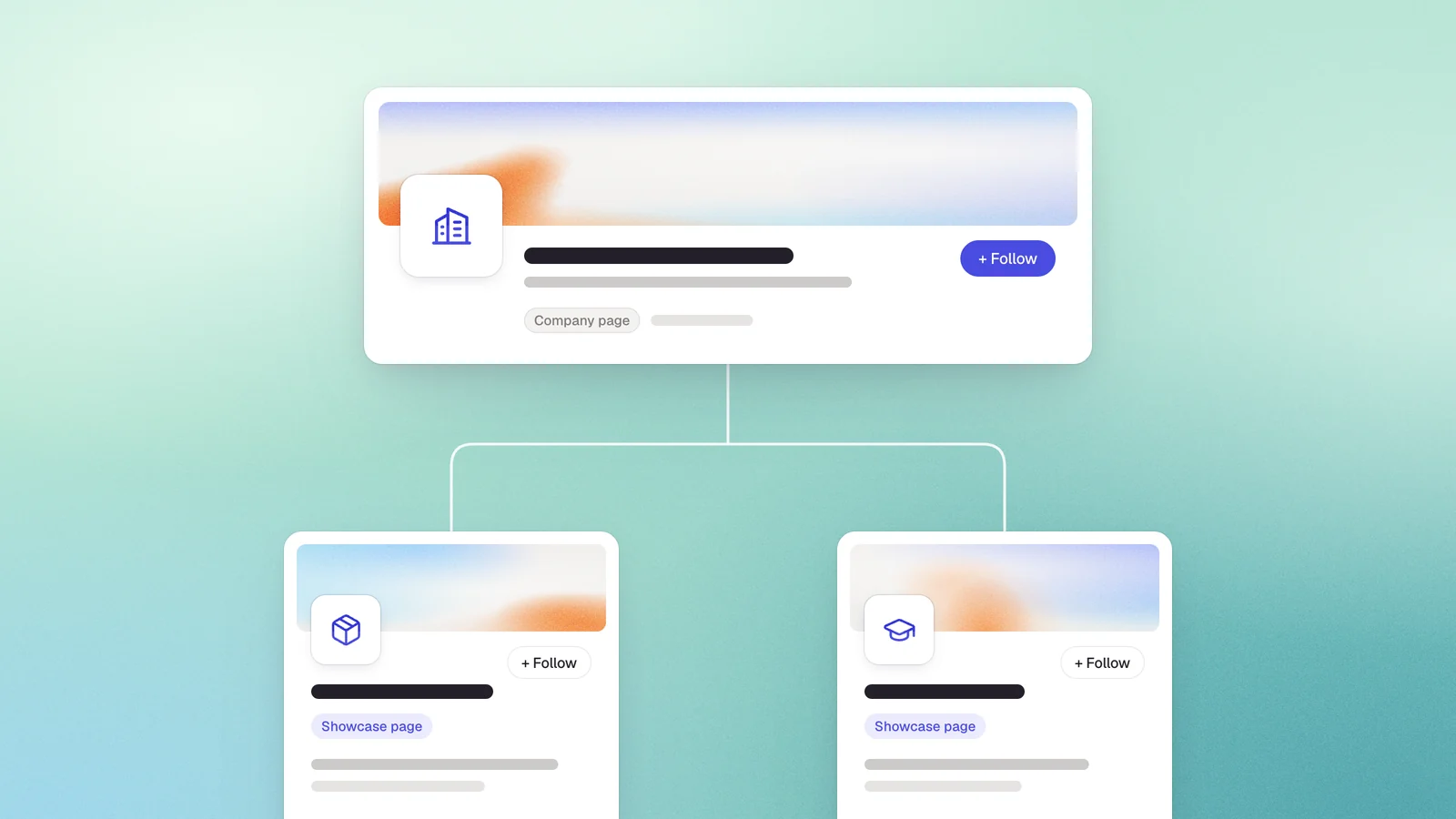
You can tag organizations that have a LinkedIn Page. LinkedIn's Posts API documentation names three kinds of organization a mention can point to: companies, showcase Pages and schools. A showcase Page, a sub-page for one brand or product, is tagged like a company.
A company without a LinkedIn Page can't be tagged, because a mention points to a Page. If it is your own company, create its LinkedIn Page first.
Why doesn't the company appear when you type @?
LinkedIn doesn't publish a troubleshooting list for company mentions, so start with what you can check yourself:
- The Page's name. Open the Page and type its name as the Page writes it, which may not be the name you know the company by.
- The Page itself. If the company has no Page, there is nothing to tag.
- The fallback. If the list still doesn't offer the Page, write the name as plain text. It won't link, and LinkedIn won't notify anyone.
Why does a company tag show up as plain text?
A company tag shows up as plain text for one of two reasons, depending on how the post was published.
- In the LinkedIn app, the name becomes a tag only when you pick the Page from the list; typed letters stay text. Delete the name, type @ again and pick the Page.
- Through LinkedIn's API, which scheduling tools use, the tag links only if it carries the Page's full name, spelled exactly as on the Page, capitals included. If there's no match, LinkedIn shows the text as normal text, per its Posts API documentation. A shortened name, a legal name instead of the Page name, or different capitals is enough to turn the tag into plain text.
For members the rule is looser: LinkedIn's API documentation says a person's tag may match one part of their name, such as the first name. A company tag has no such exception.
Does the company get notified when you tag it?
LinkedIn says a mentioned Page is notified, though its help page states this for articles. Its help page on Page activity lists Mentions as a filter of the Activity tab, where a Page's admins see how members interact with the Page.
So the people LinkedIn tells about your tag are the Page's admins. Who those are is set on the Page; see how to add an admin to a LinkedIn company page.
Are there limits on tagging companies?
LinkedIn states no maximum number of company tags per post; the hard rule it does document applies to posts published through its API, where the tag must carry the Page's full name.
| Question | What LinkedIn documents | Where |
|---|---|---|
| Which organizations can be tagged? | Companies, showcase Pages and schools | Developer documentation (Posts API) |
| How many tags per post? | No number stated | Help pages on mentions |
| Can you add a tag later? | Yes, by editing the post or comment | Help page on mentions |
| What if the post is published through the API? | The tag must carry the Page's full name, spelled exactly, capitals included, or it shows as plain text | Developer documentation (Posts API) |
| Can a member block mentions? | Yes for members; LinkedIn may also limit mentions of members you're not connected with | Help page on mentions |
The last row is about people. LinkedIn's help pages don't describe a Page turning off mentions.
Does tagging a company help a post?
Scripe's LinkedIn Trend Report 2026 has no figure for company tags. For tagging people, it found that posts tagging people earned 1.05× the author's usual engagement and 1.13× the author's usual reach, which the report calls weak evidence. Tag a company because the post is about it, not to chase a number.
How tagging a company works in Scripe
We make Scripe, a social media management platform for B2B teams and agencies. In its editor you tag a company the same way: type @ and pick from one list of people and companies.
- Found by the Page's handle. Scripe looks the Page up by its handle, the part after linkedin.com/company/. A name that matches the handle finds the Page, and so does the handle itself: type acme-company for linkedin.com/company/acme-company, as Scripe's editor guide explains. If the company's name differs from its handle, type the handle.
- The name as LinkedIn spells it. When LinkedIn finds the Page, Scripe inserts the name LinkedIn returns. A company tag's name can't be edited in Scripe, while a person's can be shortened to the first name, because a company tag only links with the full name.
- Check before you post. Click a company tag to see which Page it points to and open the Page on LinkedIn.
- Published as a real tag. Scripe sends the tag in LinkedIn's mention format, the Page's name with its organization ID. Comments your colleagues make through Team engagement, on the Advanced and Business plans, can carry company tags too.
- No match, no tag. If nothing matches, you can keep the name as plain text. It publishes without a link, and LinkedIn doesn't notify anyone.
Tagging in Scripe needs the profile's LinkedIn connection.
Write, tag and schedule posts for your company Page and your colleagues' profiles in one place.
Start free trialKeep a list of Page names and handles for your team
Before your next post, open the Page of each company you want to tag and note its exact name (and, if you tag through Scripe, its handle). If several colleagues post about the same clients, share that list with them, so every tag reaches the right Page. Our employee advocacy guide covers how to get colleagues posting.
FAQs

Co-Founder & CTO
Christoph Meise is Co-Founder and CTO at Scripe, where he leads engineering and product development with a focus on building intuitive, high-performing user experiences. With over a decade of engineering experience at multiple companies he combines deep technical expertise with a strong instinct for how technology should actually feel to use. His academic foundation, a Master of Science in Business Informatics from Freie Universität Berlin and a Bachelor of Applied Science in Computer Science from Baden-Wuerttemberg Cooperative State University (DHBW), grounds his engineering approach. He previously co-founded and architected an online platform connecting entrepreneurs with investors, sharpening his focus on building systems that serve real user needs end to end. At Scripe, Christoph has led the product through multiple rebuilds, including a shift to become an official LinkedIn API partner and the launch of a self-learning content agent, work centered on making powerful technology feel effortless for the people using it. Christoph shares his perspective on LinkedIn growth, product development, and building with AI to a following of over 11,000 on LinkedIn.
LinkedIn