October 8, 2026
The Scripe relaunch is live
The Scripe relaunch is live. We rebuilt Scripe from the ground up, and the new Scripe is now the one you open.
Almost everything you know from the old Scripe has a new home, and a few things are brand new. Here is what changed, from where it used to be to what it does now.
Strategy and goals that fit your audience
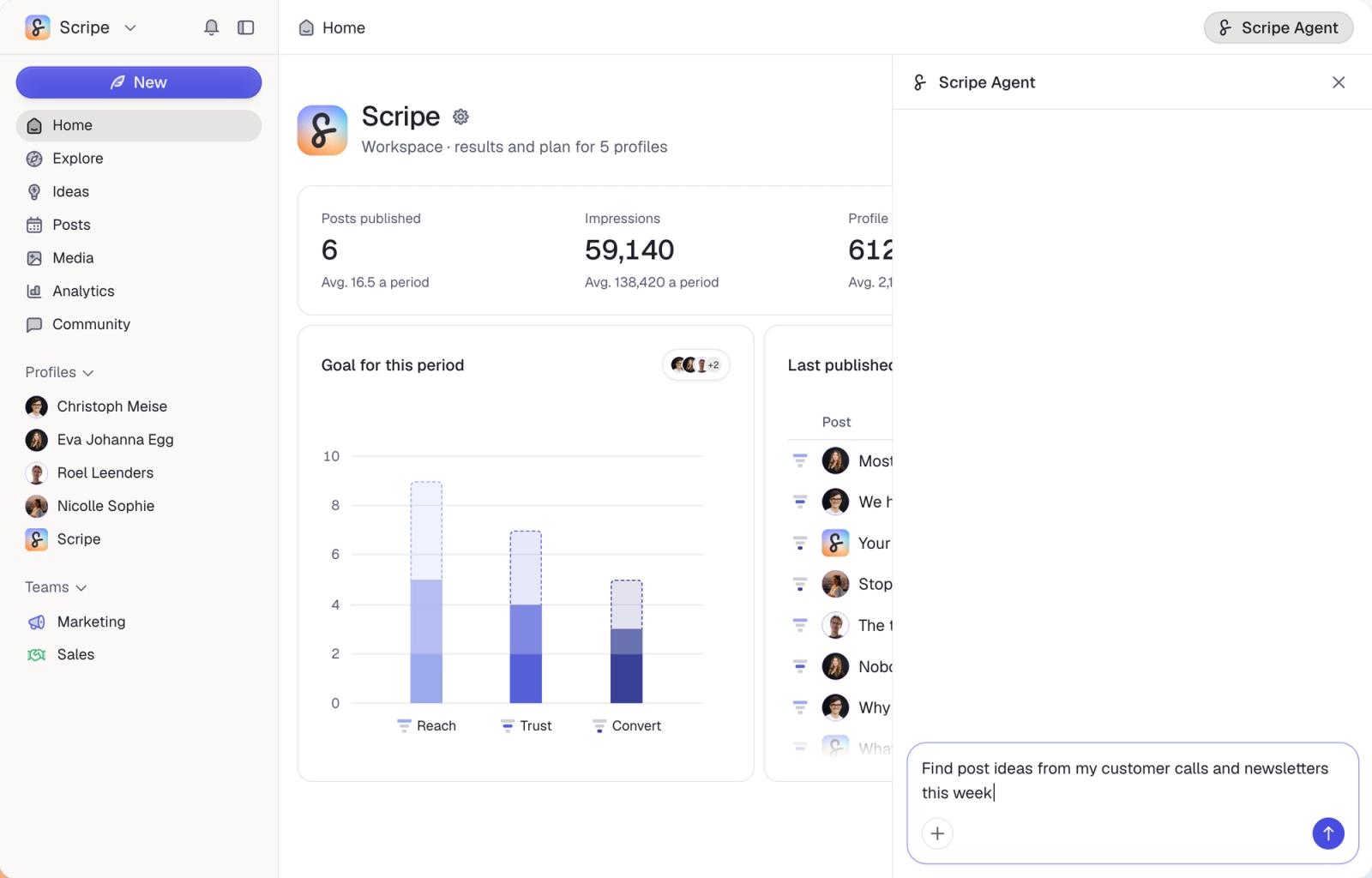
In the old Scripe, your goals stayed the same however well your audience already knew you. Now Scripe looks at your profiles to see how warm your audience is, meaning how well people already know and trust you, and adjusts your strategy and goals to fit. Reach posts get you seen by new people, Trust posts show what you know, and Convert posts invite the next step.
Inspiration is now Explore
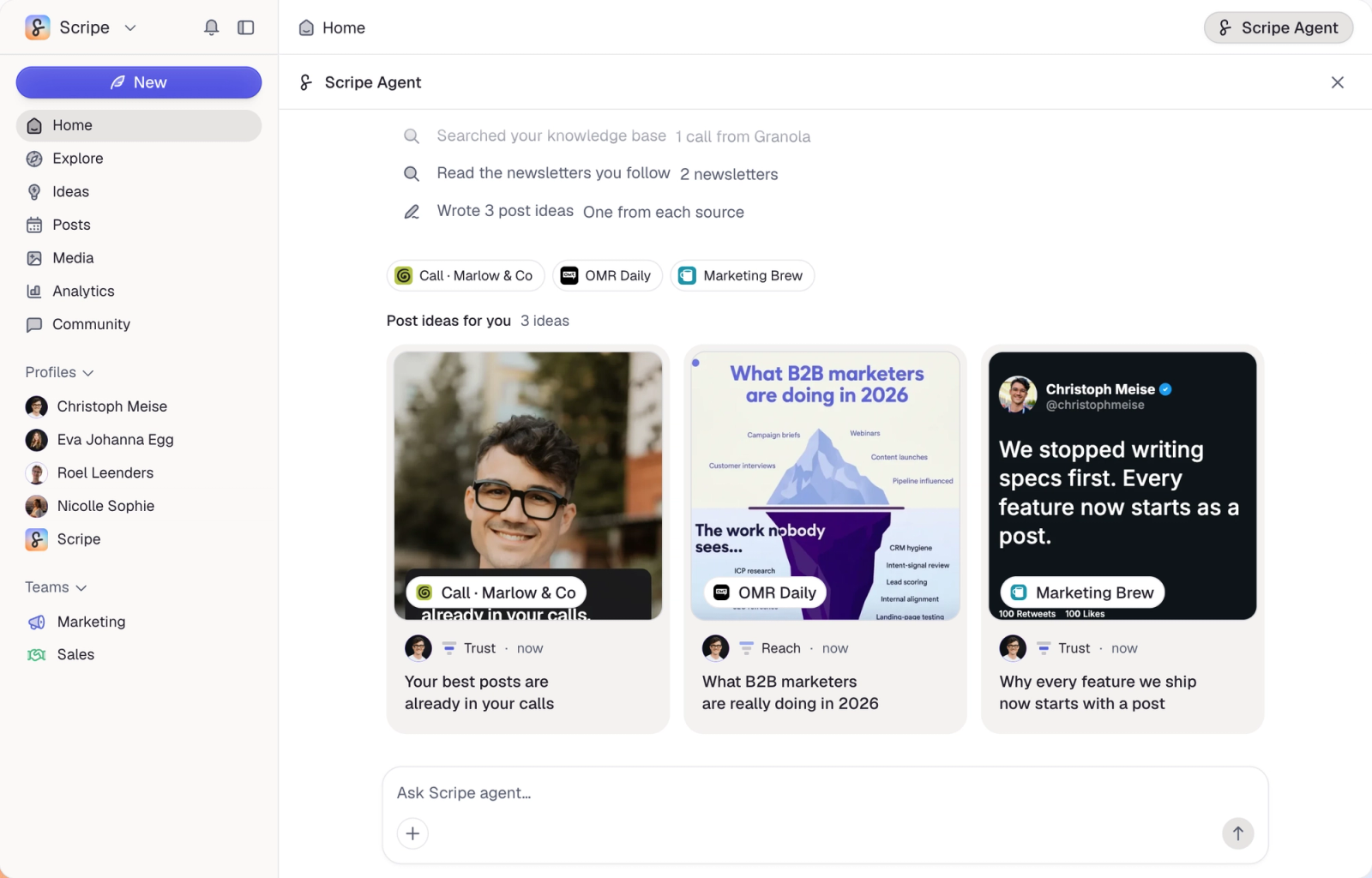
The Inspiration page became Explore. Find posts that perform in your niche, filter them by format or engagement, and follow the creators and sites you like. Suggested ideas for you adds post ideas made for your profile from your topics and sources.
Notes are now Ideas
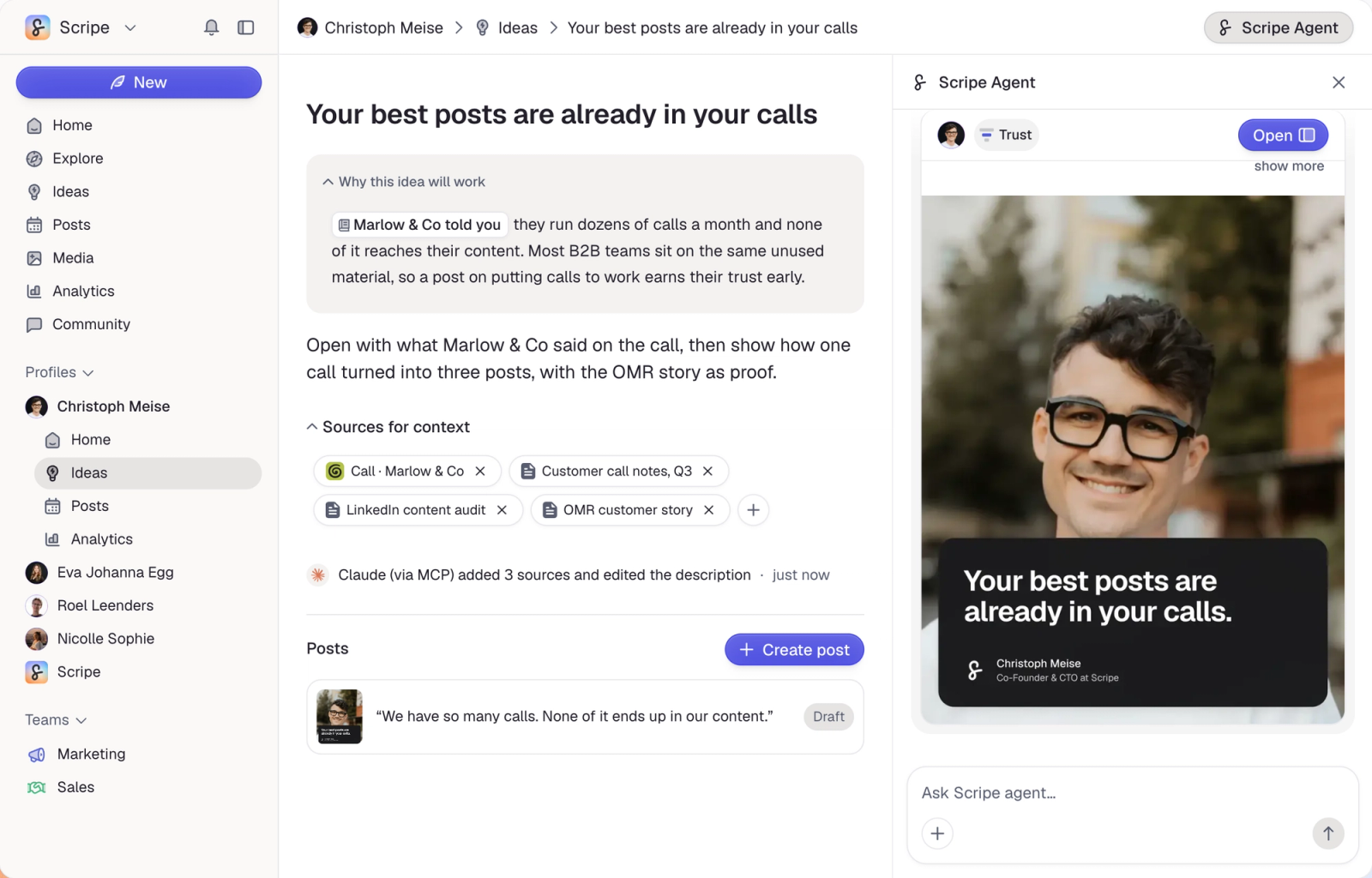
Your notes became Ideas. Keep every idea on a board with columns you set up yourself, then turn one idea into several posts, for one profile or many. Your WhatsApp voice messages land here too, labeled WhatsApp.
Calendar and Posts are one page
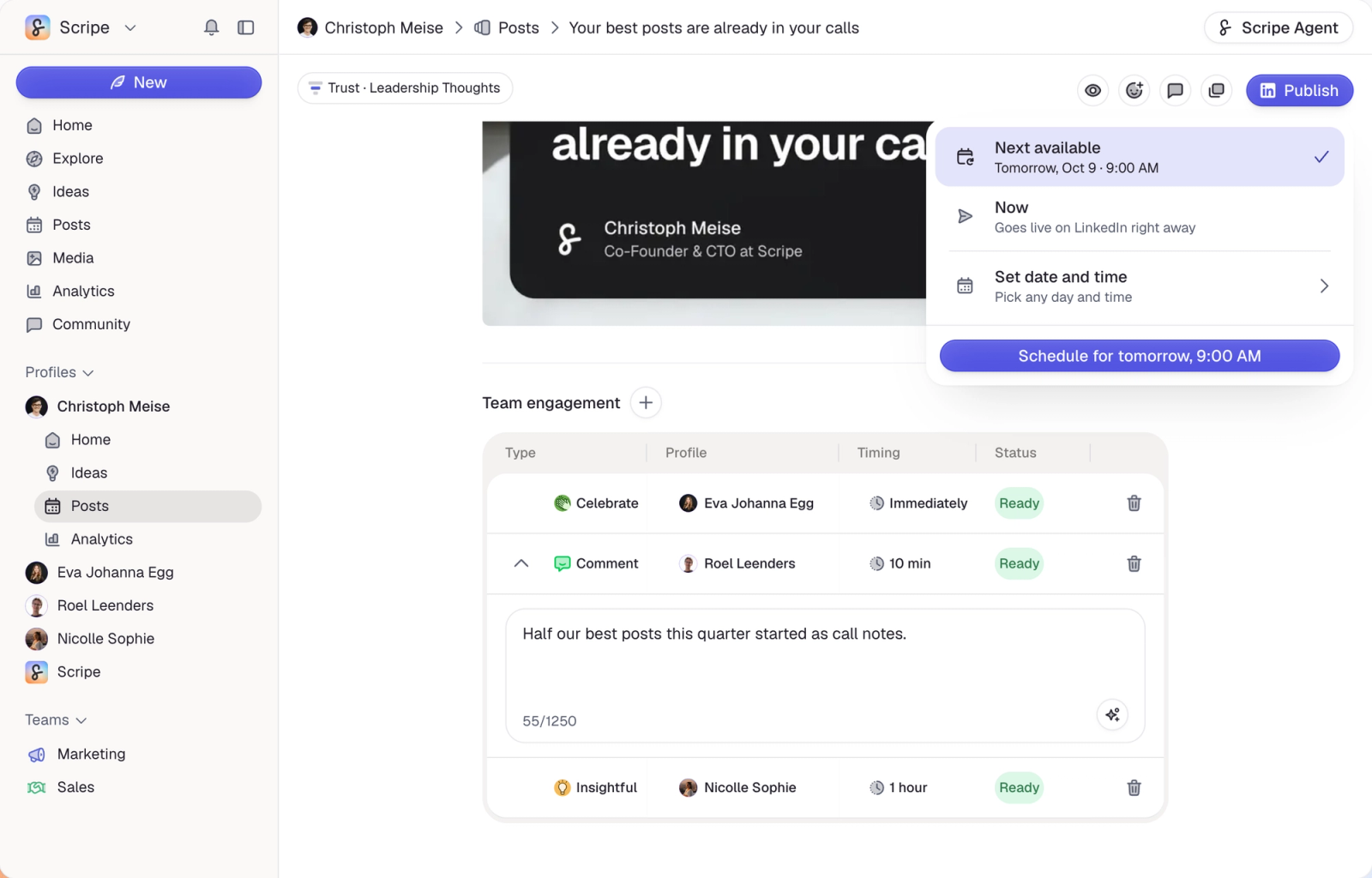
The calendar and your posts used to be two separate pages. Now you switch between the calendar and the list in one click, and drag a post onto any day to plan or move it.
Media in your own branding
The carousel editor grew into Media. Create carousels, tweet cards, photo overlays and much more with your brand kit's colors, fonts and logo, then fine-tune every page on the canvas.
Your Scripe Agent, wherever you are
You no longer chat with Scripe from a profile's sidebar. Open the Scripe Agent with the button at the top right of any page, and ask it to brainstorm, write posts, create media and much more.
Sources now live in the Scripe Agent
The new Scripe has no Sources page. Give the Scripe Agent a link or a file instead, like a YouTube video, a podcast recording or an article, and ask it to turn it into several posts.
Stay close to your community
New in the new Scripe: reply to the comments on your own posts from one inbox, and build engagement lists of people you follow closely, like competitors, to comment on their posts.
One home that ties it all together
Also new: one home that shows this period's posting goals, what's coming up in your calendar and how your latest posts are doing, for one profile or your whole workspace.
Switch back and forth for now
For the next few weeks you can move between the new and the old Scripe whenever you like. Some things, like Sources and AI Photos, only live in the old one for now. Open the ? menu at the bottom of the left sidebar and click New Scripe experience. The same spot brings you back.
---
Open Scripe to try the new experience, and tell us what you think with the Feedback button at the bottom of the left sidebar.