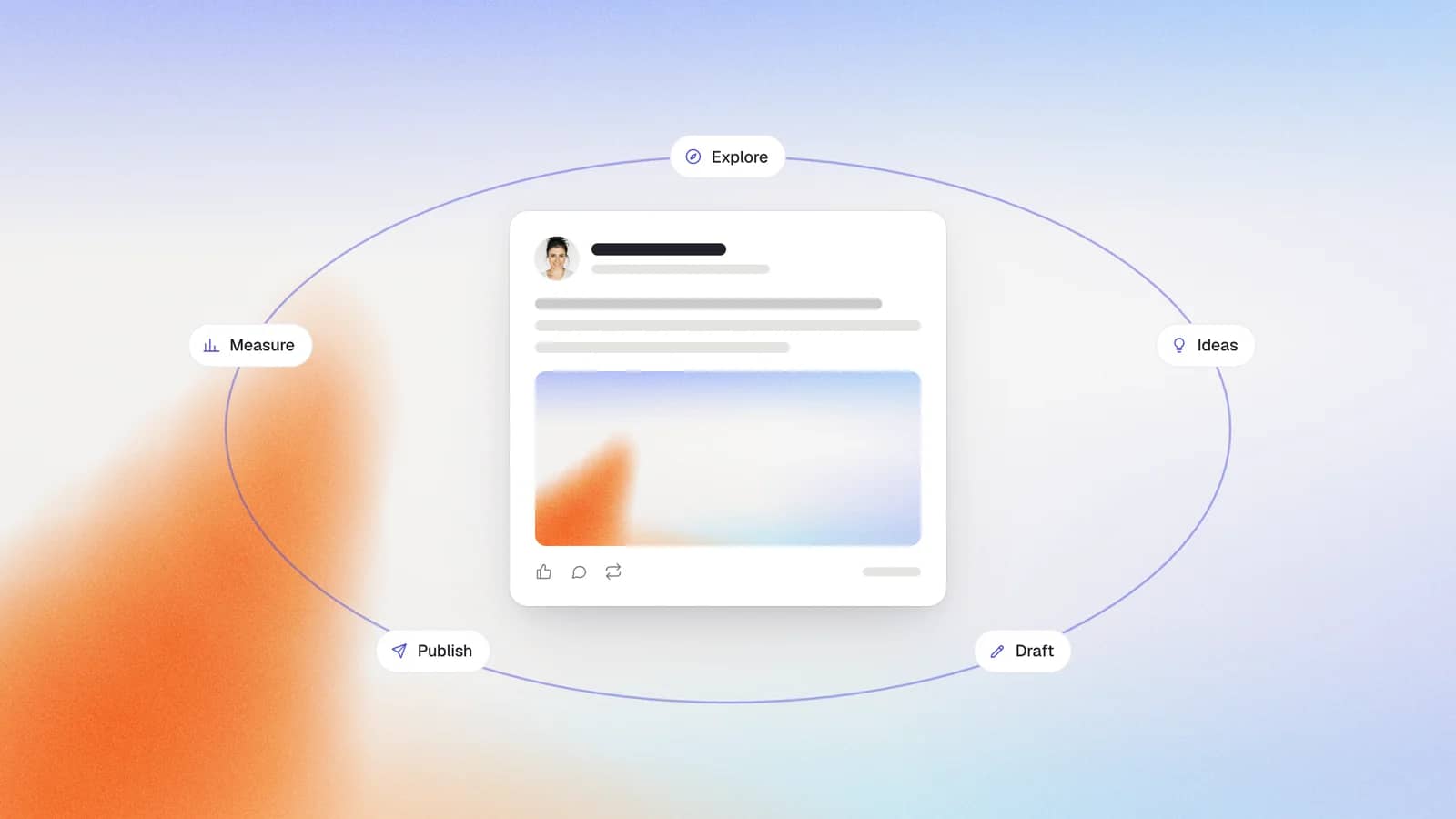
A social media strategy template is a one-page plan with seven parts: the goal, the audience, the profiles that post, the content pillars, the networks, the approval workflow and a scorecard. This one is built for B2B teams where the company page and several colleagues post, and it comes with a filled-in example.
What should a social media strategy include
A useful strategy answers seven questions: what you want, from whom, who posts, about what, where, who signs off and how you will know it worked. The strategy templates that rank today plan for one brand account: none we read gives each person who posts a line, or sets out who drafts, reviews and approves, which is where a B2B team's plan usually breaks.
| Section | The question it answers |
|---|---|
| Goal | What should social media change for the business this quarter? |
| Audience | Who must read it, and what do they ask before they buy? |
| Profiles | Which colleagues and pages post, and what is each one for? |
| Content pillars | Which themes do we post about, and is each one for Reach, Trust or Convert? |
| Networks | Where do our buyers read, and who runs each network? |
| Workflow | Who drafts, who reviews, who approves and who schedules? |
| Scorecard | Which number shows each goal, and when do we look? |
The template
The template is seven short tables, one per section, and fits on one page. Copy them into a document and fill in the right-hand column; if a block needs more than a sentence or a short list, it probably belongs in the content calendar.
Goal
| Field | Your answer |
|---|---|
| The business goal | |
| What social media should change | |
| The one number that shows it | |
| Review date |
Audience
| Field | Your answer |
|---|---|
| Buyer roles | |
| Questions they ask before they buy | |
| What they already believe about us |
Profiles
| Profile | What it is for | Pillars it covers | Network | Posts per month | Approver |
|---|---|---|---|---|---|
| Company page | |||||
| Founder or CEO | |||||
| Expert | |||||
| Sales |
Content pillars
| Pillar | Reach, Trust or Convert | Who posts it | Example post |
|---|---|---|---|
Networks
| Network | Why we are there | Owner | Starts on |
|---|---|---|---|
Workflow
| Step | Who | When |
|---|---|---|
| Idea | ||
| Draft | ||
| Review | ||
| Approval | ||
| Scheduling |
Scorecard
| Goal | Metric | Baseline | Target | Owner | Review |
|---|---|---|---|---|---|
How to fill in each section
Fill the blocks in order, because each one narrows the next: the goal decides the audience, the audience decides who posts and the people who post decide the pillars.
- Goal. Name one business goal for the quarter, such as more conversations with a target segment or a stronger hiring brand, and the one number that would show it. Add a review date, or nobody checks whether it worked.
- Audience. Write down the questions buyers ask in sales calls. Those questions are your best source of pillars, and they keep the team from posting about what is easy to write rather than what buyers need.
- Profiles. Give every profile that posts a job. The company page carries news, proof and hiring; a founder carries opinions and the story of the company; experts carry how the work is done; sales carries customer questions. Set a realistic number of posts per month for each.
- Content pillars. Pick a handful of themes from the buyer questions and say what each is for: Reach (top of funnel) finds new readers, Trust (middle of funnel) shows people who know you how you work, and Convert (bottom of funnel) asks for a next step.
- Networks. Start where your buyers already read and where someone on the team owns the account. For a B2B team that is usually LinkedIn, with personal profiles next to the company page. Add a network only when you can say what it is for and who posts there.
- Workflow. Write the names into the table. Posts under a colleague's name need that colleague's yes, and regulated or client work may need a second reviewer. Agree how long a review may take, or drafts wait for days.
- Scorecard. For every goal, record the metric, today's value, the target, the owner and the date you look. Compare each post with the same author's usual post, so a founder with a large audience does not make an expert with a small one look like a failure.
What the data says about cadence
In Scripe's LinkedIn Trend Report 2026, the hour barely mattered: the best hour earned about 4% more than the author's average and the worst about 5% less. At 500 to 1,999 followers, a month with 10 to 19 posts came with 2.2× the author's average follower gain; above 50,000 followers, volume changed nothing.
The report's figures come from 3.26 million public LinkedIn posts by about 385,000 authors, 2024 to 2026, each post compared with the same author's usual post. It sorts posts into Reach, Trust and Convert automatically, so read these as a direction. Posts filed under Reach earned 1.08× their author's other posts, Trust 0.97× and Convert 0.88×, while those Convert posts earned 5.20× the link clicks per view. Each kind of post is judged by what it was written for. The full data is in Scripe's LinkedIn Trend Report 2026.
A filled-in example
The example below is illustrative, not a customer: a mid-sized IT consultancy that sells cloud migrations to manufacturers. It shows how short each answer can be, and how the profiles and the scorecard look once filled in.
| Section | Example answer |
|---|---|
| Goal | More first calls with IT leads at manufacturers, counted as conversations started from LinkedIn, reviewed at the end of the quarter |
| Audience | Heads of IT at manufacturers; they ask what a migration costs, how long downtime lasts and who has done it before |
| Content pillars | Migration lessons (Trust); the people behind the projects (Reach); the cost of doing nothing (Trust); project launches and an open webinar (Convert) |
| Networks | LinkedIn for every profile; a second network only once someone owns it |
| Workflow | The marketing lead drafts with each person, the person approves their own post, the CEO approves anything about prices |
Profiles, filled in
| Profile | What it is for | Pillars it covers | Network | Posts per month | Approver |
|---|---|---|---|---|---|
| Company page | News, hiring, project launches | Launches and the webinar | Weekly | Marketing lead | |
| CEO | Opinions on the market | The cost of doing nothing | Weekly | The CEO | |
| Lead engineer | How migrations are run | Migration lessons | Every other week | The engineer | |
| Account executive | Customer questions | The people behind the projects | Every other week | The account executive |
Scorecard, filled in
| Goal | Metric | Baseline | Target | Owner | Review |
|---|---|---|---|---|---|
| More first calls | Conversations started from LinkedIn | Last quarter's count | More than last quarter | Marketing lead | End of quarter |
| People post as planned | Posts published against plan, per profile | Last month | Every profile on plan | Marketing lead | Monthly |
| Posts land | Posts above their author's usual post | Last quarter's share | A higher share | Marketing lead | Monthly |
Post numbers show attention, not which post started a deal. Count conversations by asking new contacts where they found you.
Strategy, plan and calendar: what is the difference
A strategy says what you want and how you will judge it; a plan says what you will do this quarter; a calendar says which post goes out when. Teams that mix them up end up with a calendar full of dates and no reason for any of them.
Definition
A social media strategy is the agreed goal, audience, profiles, content pillars, networks, workflow and scorecard for a period. The content calendar is where the individual posts live.
For the calendar side, see how to run a LinkedIn content calendar. For the reasoning behind a B2B strategy as a whole, read the B2B social media strategy guide, and for the LinkedIn side, how to build a LinkedIn content strategy.
Common mistakes
The most common mistake is planning only for the company page, and most of the others only show once several people post.
- Only the company page has a plan. Colleagues post without a theme or not at all.
- A network nobody owns. The strategy lists four networks and the team posts on one.
- One number for everything. A Convert post judged by reactions looks like a failure even when it brings the clicks it was written for.
- No approver named. Drafts wait for days and colleagues stop writing them.
- No review date. The strategy is written once and never checked against the scorecard.
Where Scripe fits
Scripe is a social media management platform for B2B teams and agencies, built LinkedIn-first. Today it supports LinkedIn. In Scripe, each colleague who posts is a profile and the company page is a Company Page, and your content topics, target audience and posts live in the same workspace. Scripe suggests a Reach, Trust and Convert mix per profile from how warm its audience is, as an editable starting point rather than a measured rule.
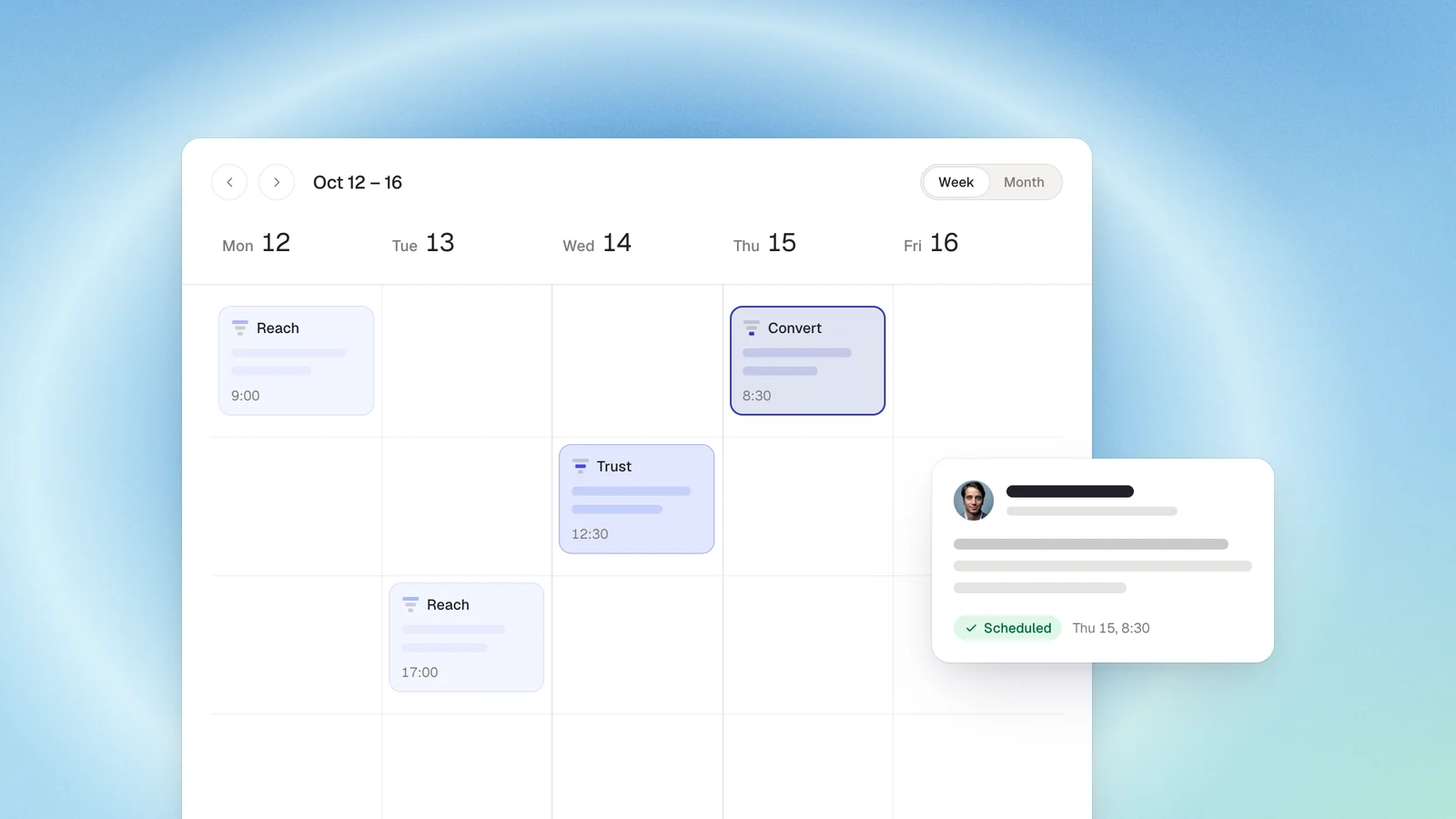
On plans with approvals, posts can be sent to a colleague for review before they are scheduled, and the topic view in analytics compares each LinkedIn post with its author's usual post. See how the content calendar works in Scripe.
Plan each profile's posts and reviews with Scripe's Social Media Content System.
Start free trialStart with one page: fill in the goal, the profiles and three pillars this week, and add the scorecard before the first month ends.
FAQs

Co-Founder & CEO
Eva Johanna Egg is the co-founder and CEO of Scripe, where she helps individuals turn their genuine expertise into authentic, high-impact content. With nine years of hands-on social media building and academic grounding in engineering she brings a rare combination of practical platform experience and technical rigor to the personal branding space.
LinkedIn