LinkedIn followers vs connections comes down to direction: a connection is a two-way link both people accept, while a follower is one-way and sees your public posts without you automatically seeing theirs. Your connections automatically follow you, so your follower count includes them. A company Page has only followers. If you report LinkedIn numbers for a B2B team, the last sections show which number to count.
Sources for this guide: LinkedIn's help pages, read on October 18, 2026, and Scripe's LinkedIn Trend Report 2026.
What is the difference between a follower and a connection on LinkedIn?
A connection is a relationship two people agree to, while following is something one person does alone. LinkedIn's help page on following and connecting says following someone lets you see their public posts and articles in your feed without sending a connection invitation. When you connect, you both become 1st-degree connections.
| Connection | Follower | |
|---|---|---|
| Who agrees | Both people: one invites, the other accepts | Only the follower |
| What it shows | Each other's posts, and more of each other's profile | The posts of the person they follow |
| Messaging | You can message each other | Not by being a follower |
| Limit | Up to 30,000 per member | No limit |
| Company Pages | A Page can't have connections | A Page has followers only |
Connections also set the degrees you see on profiles; what the connection degrees on LinkedIn mean explains them.
Do connections count as followers?
Yes: on a personal profile, your connections are part of your follower count. LinkedIn's follower settings page says your 1st-degree connections automatically follow your posts and articles, and that anyone can follow you, even if they're not in your network.
So a follower count above your connection count means people follow you without being connected to you. If you limit followers to your connections, LinkedIn removes the followers outside your network, and your follower number becomes the same as your total connections.
A connection can also stop following you without ending the connection. LinkedIn's help page on unfollowing says that if you unfollow a connection, you remain connected but won't see their updates, and they aren't notified.
Is there a limit on connections or followers?
There is a limit on connections and none on followers. According to LinkedIn's network size limit page, you can have up to 30,000 1st-degree connections, while the number of people who can follow you is unlimited.
When you reach the limit, Follow becomes the default button on your profile, and you can't send or accept new invitations until you remove some connections.
Should you ask people to connect or to follow?
Connect with people you know and work with, and let everyone else follow. That is the split LinkedIn itself suggests on its network size page: connect with people you know personally and trust professionally, and follow anyone whose posts you want to keep up with. The same split works when you're the one choosing a button on someone else's profile: Connect if you know them, Follow if you only want their posts.
You can show Follow instead of Connect as the main button on your profile. LinkedIn's follower settings have a toggle that displays Follow as the primary action for members viewing your profile. It suits someone who posts for a wide audience and gets more invitations from strangers than they can judge.
Can a LinkedIn company Page have connections?
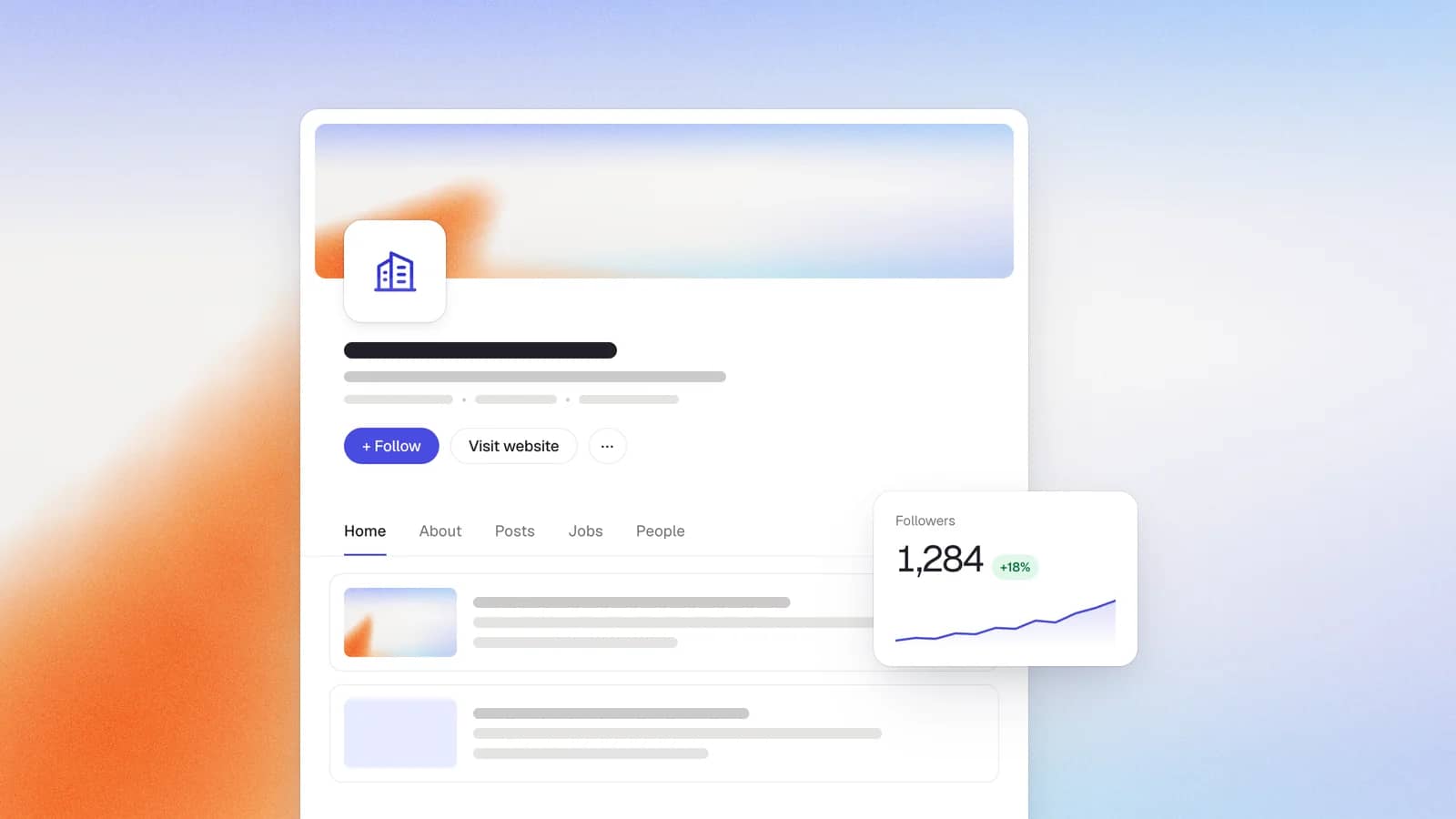
No. A company Page has followers and nothing else. On the Page Follow button help page, LinkedIn says members who click Follow follow that company, and the Page's posts appear in their feed and on the Page.
That is why the people a company knows on LinkedIn are connected to its colleagues, not to its Page. Two ways to bring them to the Page:
- Colleagues invite their connections. Each month you can invite up to 30 connections to follow your employer's Page, per LinkedIn's help page on inviting connections.
- Admins invite from the Page. Page admins share one monthly pool of invitation credits, which renews on the first day of every month, and an accepted invitation earns its credit back (invitation limits).
If you're still setting the Page up, start with how to create a LinkedIn company page.
Which matters more for reach: followers or connections?
For posts, followers matter more, because the follower count is the audience a post starts from, and on a personal profile it already includes your connections. Connections matter for conversations: messages, introductions and the people you'd ask for a meeting.
Even your followers don't all see each post. In Scripe's LinkedIn Trend Report 2026, a typical post reaches 8-10% of followers on accounts with more than 10,000 followers, and 20-30% on accounts with fewer than 2,000. For how LinkedIn counts a post's audience, see what impressions on LinkedIn are.
A colleague's post can reach people the Page doesn't: those who follow the colleague but not the company.
How Scripe counts followers
Scripe counts the follower totals LinkedIn reports for each connected profile and Page. We make Scripe, a social media management platform for B2B teams and agencies, built LinkedIn-first. Scripe's LinkedIn analytics read follower counts through LinkedIn's official interface, for colleagues' profiles and Company Pages alike.
- For colleagues' profiles, Scripe reads the follower count and its daily history from LinkedIn once the colleague connects LinkedIn in Scripe (you allow Scripe to read your LinkedIn analytics; it is not a LinkedIn connection).
- For Company Pages, once a Page admin connects the Page, Scripe reads the Page's follower total from LinkedIn at every sync and fills the days in between from LinkedIn's daily follower gains.
- Per post, Scripe shows the followers a colleague's post brought, as LinkedIn reports them for that post.
See the followers of your Company Page and of every colleague who connected LinkedIn in one place, and the followers each colleague's post gained, as LinkedIn reports them.
Start free trialNext step: count your team's followers, not just the Page's
Open your company Page and note its followers, then do the same for each colleague who posts. Add them up. Some people follow both the Page and a colleague, so the total counts them twice: treat it as an upper bound, but it is closer to your company's audience on LinkedIn than the Page's number alone. Our employee advocacy guide covers how to get colleagues posting.
FAQs

Co-Founder & CTO
Christoph Meise is Co-Founder and CTO at Scripe, where he leads engineering and product development with a focus on building intuitive, high-performing user experiences. With over a decade of engineering experience at multiple companies he combines deep technical expertise with a strong instinct for how technology should actually feel to use. His academic foundation, a Master of Science in Business Informatics from Freie Universität Berlin and a Bachelor of Applied Science in Computer Science from Baden-Wuerttemberg Cooperative State University (DHBW), grounds his engineering approach. He previously co-founded and architected an online platform connecting entrepreneurs with investors, sharpening his focus on building systems that serve real user needs end to end. At Scripe, Christoph has led the product through multiple rebuilds, including a shift to become an official LinkedIn API partner and the launch of a self-learning content agent, work centered on making powerful technology feel effortless for the people using it. Christoph shares his perspective on LinkedIn growth, product development, and building with AI to a following of over 11,000 on LinkedIn.
LinkedIn