The YouTube description character limit is 5,000 characters, according to YouTube's help page, and YouTube's Data API counts the same limit as 5,000 bytes, so accented letters and emoji use it up faster. A title holds 100 characters and all tags together 500. If you upload webinars and explainers for a B2B team, this guide covers each limit and how to order a description with chapters.
Sources for this guide: YouTube's help pages and its Data API reference, read on October 17, 2026.
What are YouTube's character limits for a video?
YouTube limits a video's title to 100 characters, the description to 5,000 and all tags together to 500. Each row below comes from YouTube's help page on video settings, its Data API reference for videos or the help page named in the last column. The help page says the title and description "cannot include invalid characters" without naming them; the Data API names < and >.
| Field | Limit | Counted in | Not allowed | Source |
|---|---|---|---|---|
| Title | 100 | Characters | < and > | Help: video settings; Data API |
| Description | 5,000 | Characters in the help page, bytes in the Data API | < and > | Help: video settings; Data API |
| Tags, all together | 500 | Characters, commas between tags included | None listed | Data API |
| Hashtags | 60 per video (more and all are ignored) | Characters of the title or description | Spaces | Help: hashtags |
| Chapters | At least 3, from 00:00, 10 seconds each or longer | Timestamps in the description | Timestamps out of order | Help: video chapters |
| Title of a Short | 100 | Characters | < and > (the Data API rule for every video) | Help: Shorts; Data API |
What is the YouTube title character limit?
A YouTube title holds 100 characters, in YouTube's help page and in its Data API alike, and the same 100 applies when you add a title to a Short in the YouTube app. The API refuses the characters < and > in a title.
YouTube doesn't publish how much of a title shows in search or on the home feed. Put the words a viewer searches for, such as the webinar's topic, at the start of the title.
Is the limit 5,000 characters or 5,000 bytes?
Both: YouTube's help page says 5,000 characters and its Data API says 5,000 bytes, which are the same for plain English text. The API's exact words are "a maximum length of 5000 bytes". The Data API is YouTube's interface for apps that upload videos, so a description a scheduling tool sends is held to the byte figure.
Characters and bytes
A byte is the unit the Data API measures a description in. In UTF-8, the text encoding the API uses, each character takes 1 to 4 bytes.
RFC 3629, the UTF-8 standard, sets what each character costs:
| Characters | Bytes each | Where they come from in a B2B description |
|---|---|---|
| English letters, digits, spaces, straight quotes | 1 | Plain text |
| ä, ö, ü, ß, é | 2 | German, French and other European names and words |
| Curly quotes ' " ", the en dash –, the euro sign € | 3 | Text pasted from a word processor, prices |
| Most emoji | 4 | Bullets and highlights |
| Emoji with a skin tone, flags | 7 or more | Joined emoji are two or more characters |
A worked example: a German webinar description with 200 letters such as ä, ö or é and 10 emoji carries 230 bytes more than its character count. To stay under 5,000 bytes, it can be at most 4,770 characters long. If your videos go up through a tool, leave that room. Our social media character counter counts a YouTube description in bytes for this reason.
YouTube doesn't document whether the counter in YouTube Studio counts characters or bytes. If you upload in Studio and your description is near the limit, keep it under 5,000 bytes too, and the question never comes up.
How much of the description shows before "...more"?
YouTube doesn't publish how much of a description shows before "...more". Neither its help page on video settings nor its API reference says how many characters or lines show before a viewer expands the description, and third-party figures disagree, sometimes within one page.
Write as if only the first line or two show. For a webinar recording, that is one sentence on what the viewer will learn and the link you most want clicked, before the agenda, the speakers and the chapters.
How do you add chapters to a YouTube description?
You add chapters by listing timestamps and titles in the description. YouTube's help page on video chapters gives the steps:
- In YouTube Studio, open Content and select the video.
- In the description, add a list of timestamps, each with a chapter title.
- Save.
Chapters need:
- A first timestamp of 00:00.
- At least three timestamps, in ascending order.
- Chapters at least 10 seconds long.
Chapters you write replace YouTube's automatic chapters. If you don't have access to chapters yet, YouTube asks you to apply for access to Advanced features. A section listing corrections to the video goes after the chapters, according to the help page on video settings.
How long can YouTube tags be?
All tags on a video together hold 500 characters, and the commas between them count toward that. The Data API counts a tag that contains a space as if it had quotation marks around it, so a tag such as customer onboarding takes 21 characters, not 19.
Tags rarely deserve the room. YouTube's help page on tags says they play a minimal role in discovery and help mainly when a word in your video is often misspelled, such as a product name. It also says adding excessive tags to your video description is against its spam policies.
Do YouTube Shorts have different limits?
A Short's title holds 100 characters, the same as any video: YouTube's help page on creating Shorts says to "add a title (max 100 characters)". That page gives no separate limit for a Short's description, so plan to the same 5,000.
Hashtags work in a Short's title and description as they do on a video, under the same rule that more than 60 hashtags are all ignored.
How to order a webinar description
Order the description by what a viewer needs first, so the part before "...more" does the work:
- One sentence and one link. What the viewer will learn, and where to register, download the slides or book a call.
- Chapters. The timestamp list, starting at 00:00.
- Speakers. One line each, with the role that makes them worth hearing.
- Resources. Links to the article, the slides and related videos.
- Hashtags. A few relevant ones at the end.
Links in a description are clickable only if your channel meets YouTube's requirements, such as channel verification or having Advanced features enabled, the Data API reference notes. Check that before you publish a recording whose main job is to send viewers to a registration page.
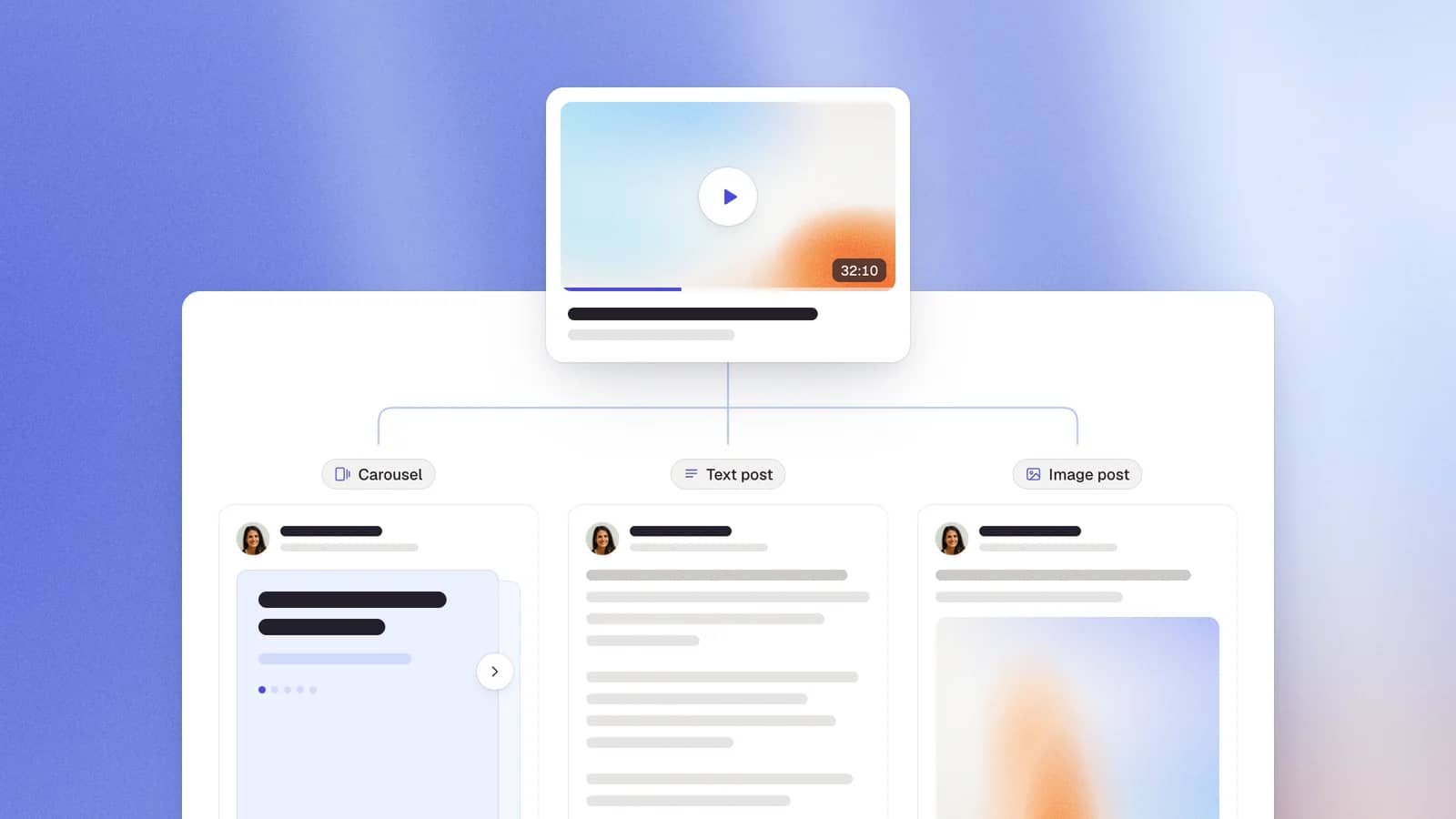
The recording can have a second life on LinkedIn: see how to turn a YouTube video into LinkedIn posts, or run the next webinar as a LinkedIn event.
Plan, write and approve your team's LinkedIn posts in one place.
Start free trialBefore you upload your next webinar
Paste the description into a counter that counts bytes, check that the first line carries the summary and the link, and add chapters starting at 00:00.
FAQs

Co-Founder & CTO
Christoph Meise is Co-Founder and CTO at Scripe, where he leads engineering and product development with a focus on building intuitive, high-performing user experiences. With over a decade of engineering experience at multiple companies he combines deep technical expertise with a strong instinct for how technology should actually feel to use. His academic foundation, a Master of Science in Business Informatics from Freie Universität Berlin and a Bachelor of Applied Science in Computer Science from Baden-Wuerttemberg Cooperative State University (DHBW), grounds his engineering approach. He previously co-founded and architected an online platform connecting entrepreneurs with investors, sharpening his focus on building systems that serve real user needs end to end. At Scripe, Christoph has led the product through multiple rebuilds, including a shift to become an official LinkedIn API partner and the launch of a self-learning content agent, work centered on making powerful technology feel effortless for the people using it. Christoph shares his perspective on LinkedIn growth, product development, and building with AI to a following of over 11,000 on LinkedIn.
LinkedIn